

Disclosure: This article contains affiliate links. If you sign up for a paid plan through some of the links below, we may earn a commission at no extra cost to you. This never changes which tool we recommend or what we write about it.
A roadmap slide has to do something a bullet list cannot: show where you are going and when. The audience is not asking what your plans are so much as how they sequence, which phases come first, where the milestones land, and what depends on what. That is a shape, not a paragraph, and it is exactly the kind of structured visual AI can draft quickly once you give it the real plan.
This guide covers how to use AI to make roadmap and timeline slides: what makes them different from ordinary slides, how the tools build them, the pieces of a strong one, and what AI cannot do for you. We draw on vendor documentation and how these tools behave so the advice reflects how they actually work.
At a glance
- A roadmap slide shows sequence and timing, not just a list: phases, milestones, and what comes when.
- Gamma drafts the narrative and a clean timeline layout from your plan in minutes.
- You supply the real dates and dependencies; AI arranges them, it does not know your schedule.
- Keep it simple: a roadmap that tries to show everything shows nothing.
- Verify every date and milestone, because a wrong one on a roadmap misleads the whole room.
What makes a roadmap slide different
Most slides carry a point; a roadmap slide carries a plan across time. Its job is to let an audience see the sequence at a glance, so it lives or dies on how clearly it shows order and timing rather than on how much detail it packs in. A roadmap that reads as a wall of dates and tasks defeats its own purpose, because the one thing it exists to communicate, the shape of the plan, gets lost. The best ones show a handful of phases and milestones and leave the detail to a backup slide or a linked plan.
That structure is exactly what AI is good at drafting. The mechanical work of laying out phases along a timeline, placing milestones, and writing a short label for each is repetitive by hand, and a capable tool does it in seconds once you give it the plan. You hand over the phases and dates, and it proposes a clean timeline you can refine, which turns fiddly slide-building into a quick review and edit. The tool does the arranging; you decide what belongs on the roadmap.
What does not change is that the plan is yours. A roadmap is a commitment about what happens when, and no AI knows your real dates, dependencies, or priorities, so it cannot decide the schedule for you. It gives you a fast, clean visual of the plan you supply; the judgment about what the plan actually is stays with you and your team.
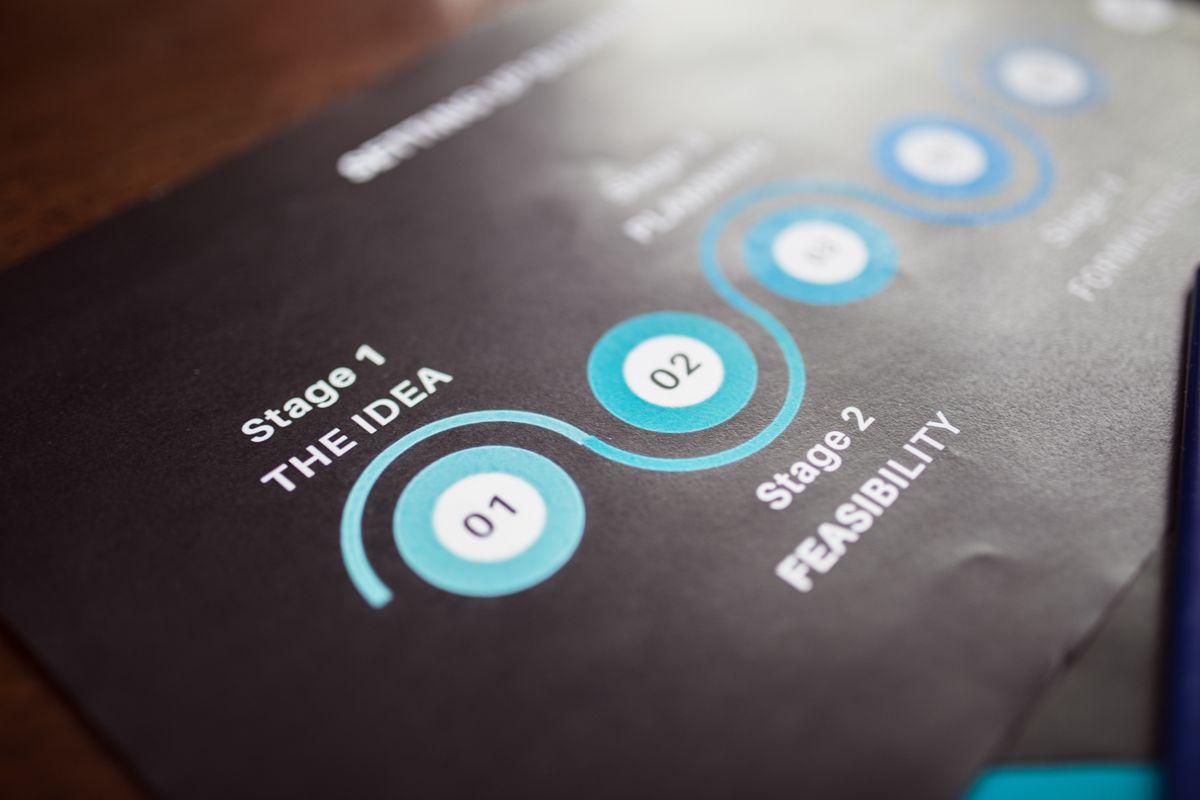
How AI builds roadmap and timeline slides
The most direct route is to give the plan to a general AI deck tool and let it lay it out. Gamma takes your phases, milestones, and dates as text or a pasted outline and generates a structured deck with timeline and roadmap-style layouts in under a minute, which you can then refine. Because it is web-native, the result looks clean out of the box, shares as a link, and exports to PowerPoint or PDF when you need a file, so a rough plan becomes a presentable roadmap fast.
The way to get a good result is to prompt for the structure rather than a topic. Tell the tool you are building a roadmap for a specific audience, give it the phases in order with their milestones and target dates, and ask for a timeline layout, and it fills that skeleton in rather than inventing a shape. Then edit hard: cut phases down to the few that matter, shorten every label, and make sure the sequence reads left to right without effort. For a very detailed or dependency-heavy plan, a dedicated timeline tool such as Office Timeline, or PowerPoint’s own SmartArt, gives you finer control over the visual, and you can bring that into your deck.
It helps to treat the tool as doing the layout, not the planning. It reads your phases faster than you can arrange them, applies a clean design, and hands you a roadmap with the milestones roughly in place. The remaining work, confirming the dates, simplifying the story, and making the dependencies honest, is where your knowledge of the project turns that layout into a roadmap the room can trust.
The pieces of a good roadmap slide
A clear roadmap slide is built from a few elements, and knowing them helps you prompt the tool and edit the result.
| Element | What it shows |
|---|---|
| Timeline axis | The span of the plan, left to right, with clear time markers |
| Phases | The few stages the work moves through, in order |
| Milestones | The key dates or deliverables that mark progress |
| Now marker | Where the project stands today, so the audience is oriented |
| One label each | A short phrase per item, not a sentence |
How to do it well
Start from the real milestones, not the tool. Before you generate anything, write out the phases in order with their target dates and the two or three milestones that actually matter, because that plan is what the slide has to communicate, and a roadmap built on vague dates is worse than none. A short list of confirmed phases and milestones is the raw material the AI needs to lay out something useful rather than a generic template.
Then prompt for a timeline and edit for clarity. Give the tool the phases and dates, ask for a left-to-right timeline layout, and let it generate; then cut ruthlessly, because the most common roadmap mistake is cramming in every task until the sequence disappears. Keep a handful of phases, one short label each, and a clear now marker, and let anyone who wants the detail find it in a linked plan. A roadmap that a viewer can read in five seconds beats a complete one nobody can follow.
Finish by verifying the dates. A roadmap is a set of commitments, so confirm every milestone and target date against your real plan before the slide goes out, because a wrong date on a roadmap does not just look sloppy, it misleads everyone about what to expect. AI arranges the timeline quickly, but keeping it honest is your job. For the broader craft of ordering a talk, our guide on how to structure a presentation covers the wider principle.
What AI can’t do for a roadmap
AI lays out the timeline, but it does not make the plan. It cannot decide your phases, set your dates, or know which milestones matter, because those are project decisions that depend on your team, your resources, and your priorities. Treat the tool as the fastest way to visualize a plan you already have, not as a way to invent one, and never let it fill in dates to make a slide look complete.
It also does not understand dependencies. A real roadmap often carries relationships, this phase cannot start until that one ships, and AI arranging boxes on a timeline does not grasp those links, so it can produce a clean picture that is quietly wrong about what depends on what. You have to check that the sequence reflects the actual constraints, because a roadmap that looks tidy but misorders the work is more dangerous than an ugly one that is right.
And it does not keep you honest about timing. The temptation with a generated roadmap is to accept optimistic dates because they fit the layout neatly, but the value of a roadmap is that people can rely on it, so the dates have to be ones you can actually meet. The tool gives you a professional visual; you give it a plan that is realistic and yours. For the higher-stakes board version of a plan slide, our AI board deck generator guide covers that context.
Frequently asked questions
How do I make a roadmap slide with AI?
Give an AI deck tool like Gamma your phases in order, their target dates, and the key milestones, and ask for a timeline or roadmap layout. It generates a clean, structured slide in minutes, which you then edit down to a few phases with short labels and a clear now marker. Supply the real plan and verify the dates yourself, since the AI arranges the timeline but does not know your schedule.
What is the best AI tool for timeline slides?
Gamma is the strongest general choice, because it turns a plan into a clean timeline or roadmap slide fast and exports to PowerPoint. For a very detailed or dependency-heavy plan, a dedicated timeline tool such as Office Timeline or PowerPoint’s SmartArt gives finer control over the visual, and you can bring that into your deck. Match the tool to how complex the timeline needs to be.
Can AI create a project roadmap?
AI can lay out a project roadmap from the plan you give it, arranging phases and milestones on a timeline quickly, but it cannot create the plan itself. The phases, dates, and dependencies are project decisions that depend on your team and resources, so you supply those and let the tool visualize them. Always check that the sequence reflects the real constraints before presenting it.
How much detail should a roadmap slide have?
As little as possible while still telling the story. A roadmap slide exists to show sequence and timing at a glance, so keep it to a handful of phases, a few key milestones, one short label each, and a now marker, and move the task-level detail to a linked plan. A roadmap a viewer can read in seconds is far more useful than a complete one nobody can follow.
Will AI get my dates right?
Only if you give it the right dates. AI places dates on the timeline as you provide them and can also fill in plausible ones if you let it, which is exactly the risk, so supply your real target dates and verify every milestone against your plan before the slide goes out. A roadmap is a set of commitments, and a wrong date misleads the whole room about what to expect.
The bottom line
A roadmap or timeline slide has to show the shape of a plan across time, which is why sequence and clarity matter more than detail. For the fastest way to turn a plan into a clean, structured roadmap, Gamma is the strongest starting point, taking your phases, milestones, and dates and generating a timeline layout in minutes; for a very detailed or dependency-heavy plan, a dedicated timeline tool gives finer control. Supply the real milestones, prompt for a timeline, cut it down to a few phases with short labels and a now marker, and verify every date. Do that, and AI gives you a roadmap slide built in a fraction of the time, leaving you to do the one thing it cannot: decide what the plan actually is and stand behind its dates.
Richard Johnson writes about AI tools and productivity software for CognitiveFuture. He focuses on turning messy tool comparisons into clear, honest buying decisions based on vendor documentation, current pricing, and verified user feedback.
Sources
- Gamma, AI deck generation and layouts
- Office Timeline, roadmap and timeline visuals
- SlideModel, how to create a roadmap in PowerPoint

Richard Johnson
Richard Johnson is an AI specialist at one of the world's largest technology companies, where he has spent the past three years helping organizations adopt AI. CognitiveFuture extends that work publicly: gathering the available evidence on each tool, from vendor documentation to independent reviews and user feedback, combined with hands-on testing where we have done it and said so, and cutting a crowded market down to the right choice for the job in front of you.