


Last updated: September 2026
“Which AI tool should I use?” is the wrong first question. The right one is: which tool for which task, under which constraints? An engineer picking a single favorite and using it for everything is the fastest way to a confident, wrong answer. The tools differ enough that the best choice flips depending on whether you are running a calculation, drafting a report, searching the literature, or working with a client’s confidential drawings. This guide gives you a decision procedure, not another ranked list, and it points you to the right deeper article once you know what you are choosing.
For the full ranked line-up, see our roundup of the best AI tools for engineers. This page is the router that gets you there with the right filter already applied.
Short answer: Choose by four questions, in order. First the task, which is the biggest lever: for exact calculations reach for a tool that runs the math rather than a raw chat model, and for CAD or simulation reach for a domain specialist. Then the discipline, which narrows the shortlist. Then data sensitivity: any client or IP work belongs on a tier that does not train on your data. Then the budget, which usually decides the tier, not the tool. Whatever you pick, verify every output, because the recurring complaint about these tools is answers that are almost right but not quite.
Why “which tool” is the wrong first question
AI tools are now standard equipment. In the 2025 Stack Overflow Developer Survey, 84 percent of developers use or plan to use AI tools and 47.1 percent use them daily (Stack Overflow, 2025), and organizational adoption reached 78 percent in 2024, up from 55 percent the year before (Stanford HAI AI Index, 2025). But usage has run ahead of trust: in the same survey, 46 percent of developers distrust the accuracy of AI output while only 33 percent trust it, and 66 percent are frustrated by answers that are “almost right, but not quite” (Stack Overflow, 2025). That gap is the whole reason to choose deliberately. The question is not which tool is best in the abstract, but which tool is least likely to hand you a plausible, wrong answer for the specific job in front of you.
Axis 1: pick by task, the biggest lever
The task you are doing changes the answer more than any other factor.
Calculations and numeric analysis. This is where the wrong choice hurts most. A raw chat model predicts plausible text, so it can produce a clean-looking number that is simply wrong, and its accuracy degrades as engineering problems get harder (EngiBench, arXiv 2509.17677). Even on grade-school multi-step word problems, reasoning is the bottleneck for large models (GSM8K, arXiv 2110.14168). The fix is to make the tool run the math rather than talk through it: offloading calculation to a Python interpreter beats pure chain-of-thought reasoning by about 15 percentage points on that same benchmark (PAL, arXiv 2211.10435). So for numbers, reach for a computational engine or an assistant with a working code interpreter, not a plain chat window, and read our deeper guide on whether AI can do engineering calculations.
Writing, reports, and documentation. This is a general assistant’s strongest use: drafting, restructuring, and tightening prose you then edit. The accuracy bar is lower because you are the reviewer of your own domain.
Literature and standards research. Prefer a tool that returns cited answers you can open and check, rather than a model recalling from memory, since fabricated references are a known failure mode.
Coding and scripting. Automation, parsing data, and glue scripts are a coding assistant’s home turf, with the same run-and-verify discipline.
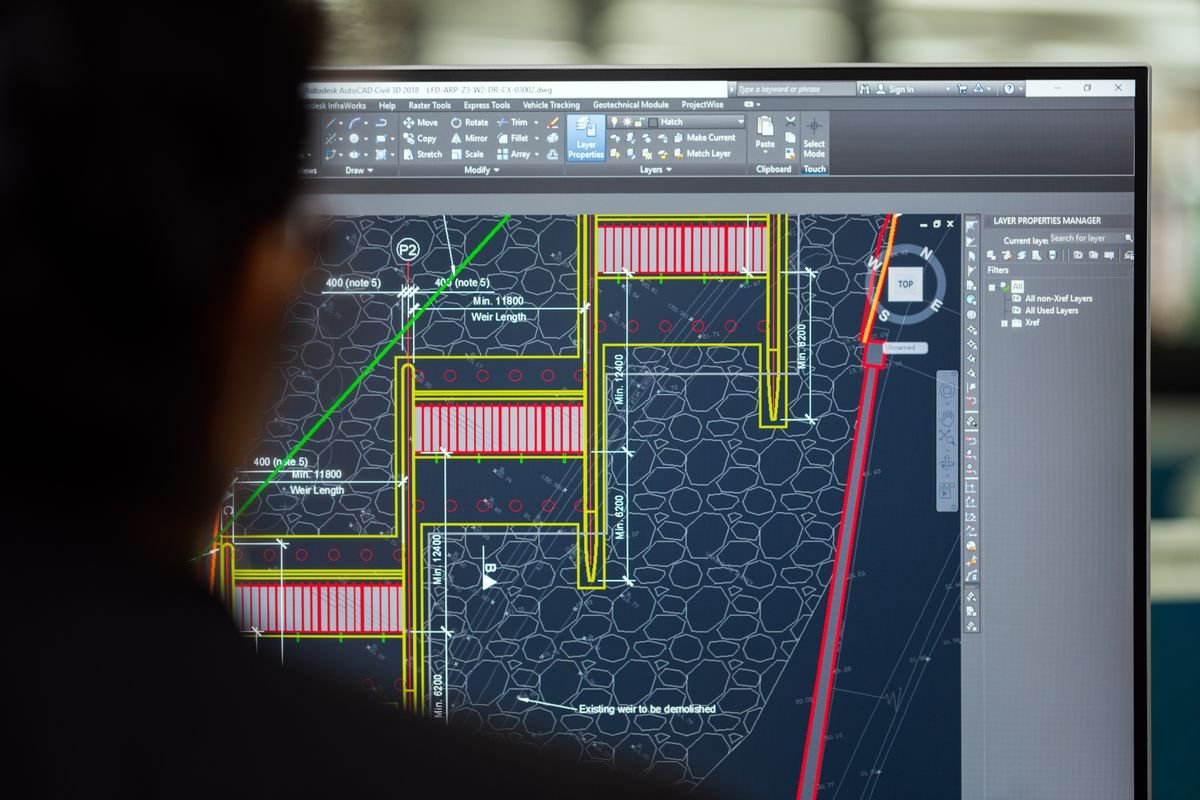
CAD, design, and simulation. These belong to domain specialists, not general chatbots, as the monitor below makes obvious. A general model cannot open your model tree or run your solver.
Axis 2: pick by discipline
Once the task is set, your discipline narrows the shortlist, because the specialist tools and the worked examples differ. We keep a dedicated hub for each: mechanical, electrical, civil, and students. Use this axis to jump straight to the picks that match your daily work rather than a generic list.
Axis 3: pick by data sensitivity
If the work involves a client’s drawings, unreleased designs, or any confidential IP, the tier matters more than the tool. Consumer tiers may use your inputs to improve the service; the protections you want live in the business and API tiers. Data sent to the OpenAI API is not used to train its models by default and has been since March 2023 unless you opt in (OpenAI), and Anthropic’s commercial terms state it may not train models on customer content (Anthropic). The ChatGPT Enterprise and Team tiers carry similar no-training commitments per OpenAI’s enterprise privacy page. Whatever you choose, confirm the specific tier’s terms first, and see our pillar on AI tool data security and engineering IP.
Axis 4: pick by budget
Budget usually decides the tier, not the tool. Free tiers are fine for low-stakes drafting and learning; paid tiers earn their keep through heavier usage, stronger models, and the data-handling guarantees above. Before you pay, read what the money actually buys in our guide to how much AI engineering tools cost and our take on whether ChatGPT Plus is worth it for engineers.
Putting it together: task to tool category
| Task | Reach for | Why |
|---|---|---|
| Exact calculations | Computational engine or code-interpreter assistant | Tool-execution beats raw reasoning by about 15 points on GSM8K |
| Writing and reports | General assistant | Drafting and editing, with you as the domain reviewer |
| Literature and standards | Cited-answer research tool | Open and check every source, since references can be fabricated |
| Coding and scripting | Coding assistant | Run-and-verify automation and data glue |
| CAD and simulation | Domain specialist | A general model cannot open your model or run your solver |
| Any client or IP work | A no-training business or API tier | Consumer tiers may use inputs; business tiers do not |
Do you need more than one tool?
Usually, yes. Because no single tool is strong across calculation, writing, research, coding, and CAD, most engineers end up with a small stack: a general assistant for prose, a computational or code-interpreter option for numbers, a cited-answer tool for research, and a domain specialist for design. That is not indecision; it is matching each job to the tool least likely to be confidently wrong at it. If you want a direct head-to-head between the two most common general assistants before you commit, see ChatGPT vs Claude for engineering.
How to validate any tool before you trust it
Whatever you pick, the last axis is verification, because the most common failure is not a tool that is obviously broken but one that is almost right. Run a task you already know the answer to and check the working, not just the result. Ask for the source and open it. For any number that drives a decision, confirm it with a computational tool or a hand check. The 66 percent of practitioners frustrated by almost-right answers are describing exactly the output that slips into a design when nobody verifies it, so make the verification step part of the workflow rather than an afterthought.
Frequently asked questions
Is one AI tool enough for all engineering work?
Usually no. General assistants are weak at exact calculation and cannot do specialist CAD or simulation work, so most engineers pair a general assistant with a computational or code-interpreter option and a domain specialist. Match each task to the tool least likely to be confidently wrong at it rather than forcing one tool to do everything.
Which AI tool is best for engineering calculations?
Prefer a tool that executes the math, such as a computational engine or an assistant with a working code interpreter, rather than a raw chat model. Tool-execution outperforms pure model reasoning on math benchmarks by a wide margin, and model accuracy degrades on harder engineering problems. Whatever you use, check the working, and treat any number that drives a decision as something to verify, not accept.
Do I need a paid tool, or is the free tier enough?
For low-stakes drafting, learning, and experimentation, free tiers are often enough. Paid tiers matter mainly for heavier usage, access to stronger models, and the data-handling guarantees that confidential work needs. Decide by how much you use it and how sensitive the work is, not by the label.
Can I use these tools on confidential client or IP work?
Only on a tier that does not train on your data. OpenAI’s API does not train on your inputs by default, and Anthropic’s commercial terms prohibit training on customer content. Consumer tiers may use inputs to improve the service, so verify the specific tier’s terms before you upload anything sensitive, and prefer a business or API tier for client material.
Sources
- Stack Overflow Developer Survey 2025 (adoption and trust)
- Stanford HAI 2025 AI Index (organizational adoption)
- EngiBench, arXiv 2509.17677 (LLM performance on engineering tasks)
- GSM8K, arXiv 2110.14168 (multi-step math reasoning)
- PAL, arXiv 2211.10435 (code execution vs chain-of-thought)
- OpenAI API data-usage policy
- Anthropic Commercial Terms of Service
Written by the CognitiveFuture editorial team. We build our guidance from primary sources: peer-reviewed and preprint benchmarks, official vendor documentation, and large practitioner surveys, each linked above. We do not independently benchmark tools, and we treat any AI output that drives an engineering decision as something a qualified engineer must verify.

Richard Johnson
Richard Johnson is an AI specialist at one of the world's largest technology companies, where he has spent the past three years helping organizations adopt AI. CognitiveFuture extends that work publicly: gathering the available evidence on each tool, from vendor documentation to independent reviews and user feedback, combined with hands-on testing where we have done it and said so, and cutting a crowded market down to the right choice for the job in front of you.

